

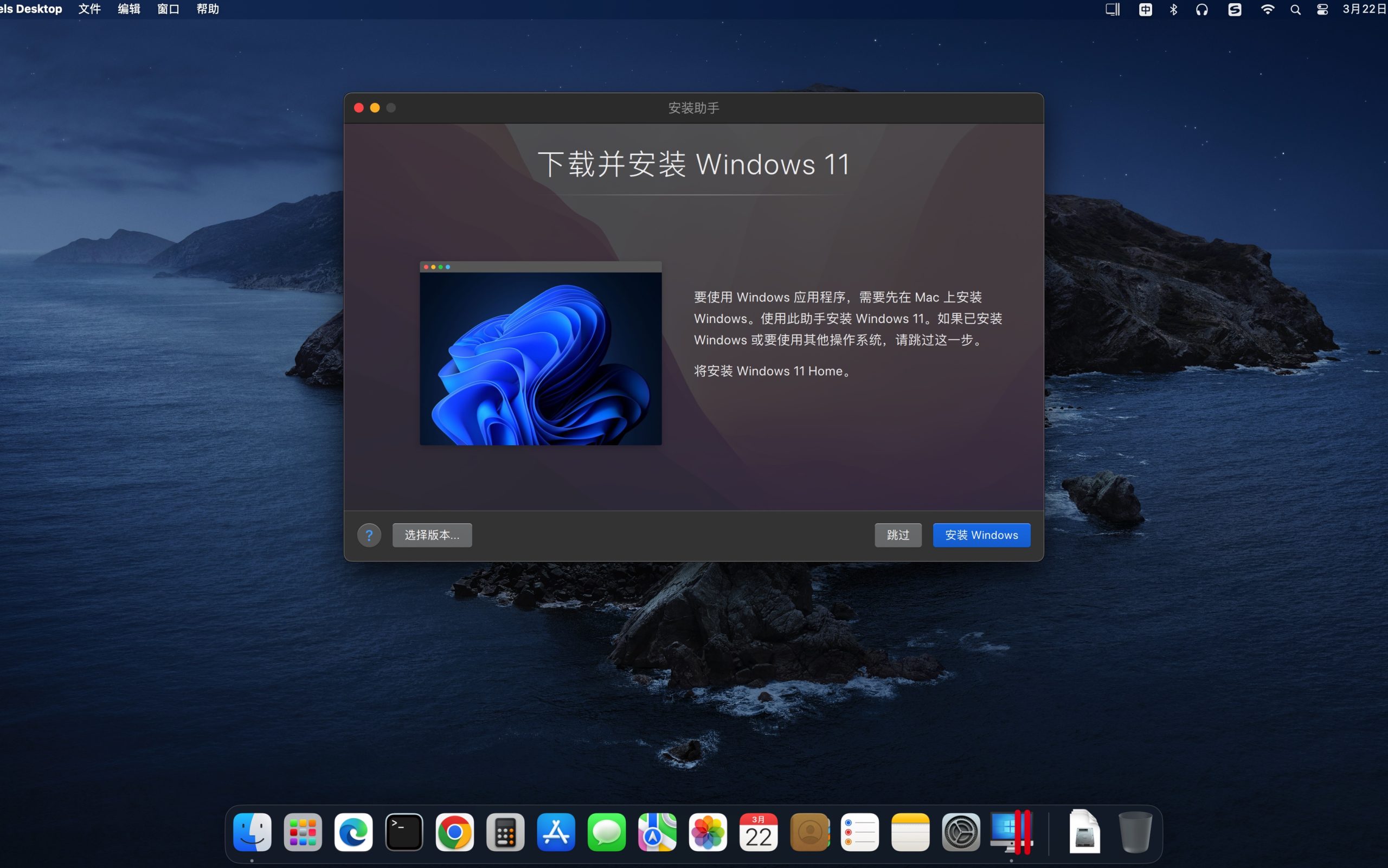
Parallels Desktop is a software developed by Parallels that provides hardware virtualization for Mac computers.。With the help of Parallels Desktop for Mac,Users can flexibly install different operating systems on Apple computers,Such as Windows、Linux distribution、FreeBSD、MS-DOS、EComStation、Solaris et al.。UseParallels Desktop,You can do this without restarting your computer,Enable Windows and Mac OS X applications to run seamlessly,and drag-and-drop files between Windows and Mac,and launch Windows applications directly from the Mac dock。Superior performance enables you to run Windows productivity applications effortlessly,Even graphics-intensive applications。
feature
Efficient work efficiency
You can use both macOS and Windows OS,Restart or connect to the server without interrupting your work。Move files between tools with convenient drag-and-drop or copy-and-paste functionality、folder、Seamless sharing of images and clipboard contents。Take advantage of macOS QuickLook features,You can instantly preview files in File Explorer,And find the words and synonyms you need with macOS Dictionary directly on Windows apps。
Quick work input
With the reshaping and optimization of product architecture,The software runs natively on any Mac computer,Whether the computer is equipped with an Intel processor or an Apple M-series chip。Windows 10 The recovery speed can be as high as 38%,Greatly improves your work efficiency when using Windows applications。Even graphics-intensive Windows applications with high resource demands,It also runs smoothly,And does not affect the running speed of your Mac。
Streamlined package management for Intel and M-series chip-based Mac computers
Unique two-in-one U2B features in Parallels Desktop Business Edition,Allows users to create just one deployment package for Intel and M-series chip-based Mac computers,and leverage profiles in your Parallels Enterprise account,Implement easy-to-manage Windows virtual machine images。
Simple management method
This software supports batch use of a single license key,Or for each department、office branch、Contractors, etc. create sub-licenses。With access to statistics and real-time licensing activity,You can learn about usage,and easily manage all deployed licenses。You can also choose to enable automatic upgrades,to synchronize version and feature updates,Or disable automatic upgrades and create a live update server。
Protection features for user and device access
You can add Mac-based Windows instances to Active Directory,Works like on a regular Windows PC。When you put the USB flash drive、When smart cards and other external devices are plugged into your Mac and used in Windows,Policies will be enforced。
Use Mac Management for deployment
You can configure Parallels Desktop using deployment packages、Deployment and parameter tuning。You can also add Windows applications to the Dock,By using something like Jamf、In Tune、Kandji、Mosyle、Munki and other Mac management tools,Enable single application mode。
Instant access to critical applications on your Mac device
When you use a Windows application,Coherence™ mode can be used to hide windows。Just click or swipe,to switch between Mac and Windows。If you are used to PC environment,You can also set Windows to full screen,to simulate your familiar computer experience。
Most of the download resources on this site are collected from the Internet,Only for learning and communication purposes,Copyright belongs to the original author。If you need to use non-free software or services,Please purchase genuine licenses and use them legally。If the content published on this site infringes upon your rights,Please contact the webmaster to delete,We will handle it promptly。
If the download address is invalid,You can leave me a message,The editor saw the news,Will update the link as soon as possible! Thanks!


