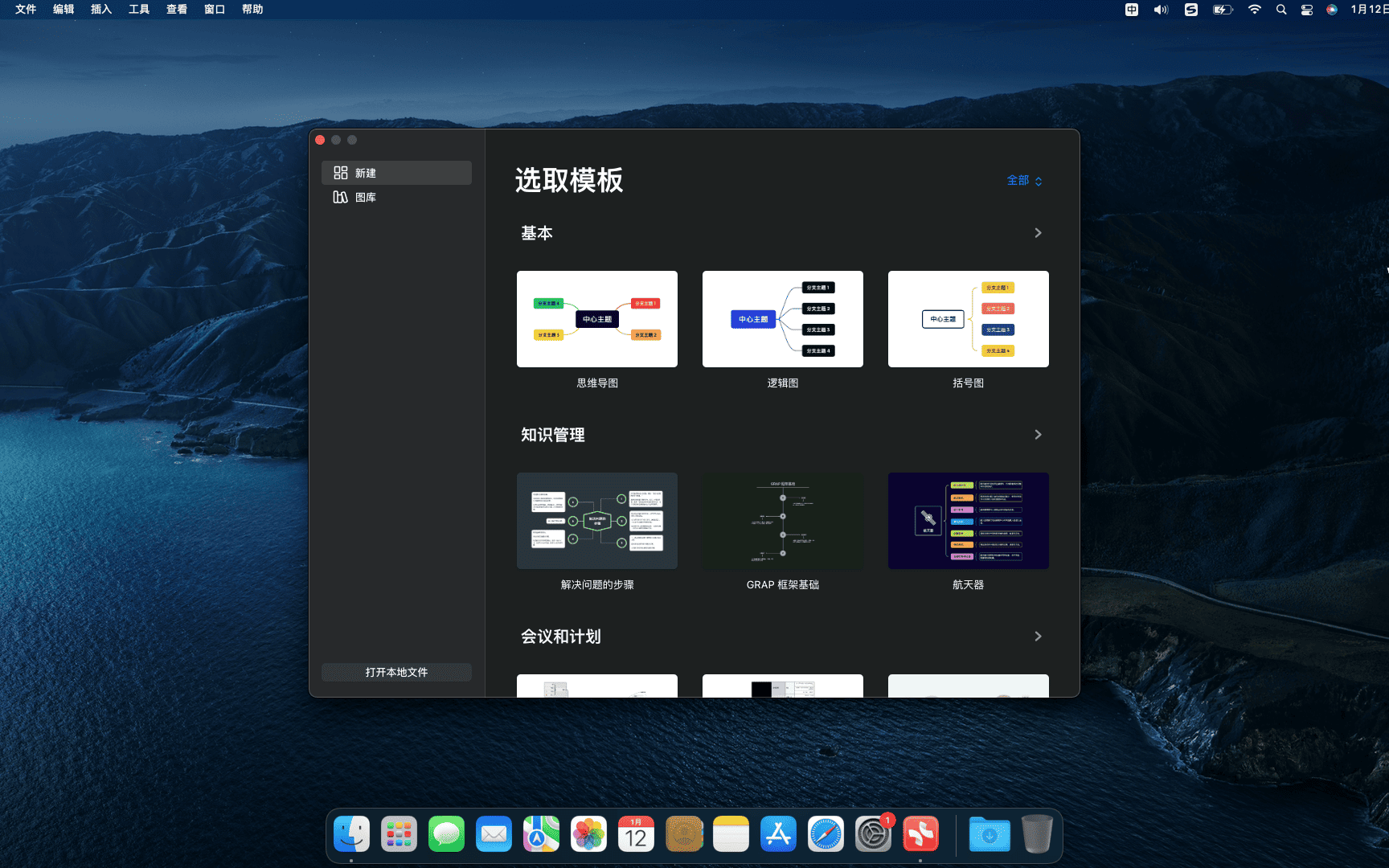
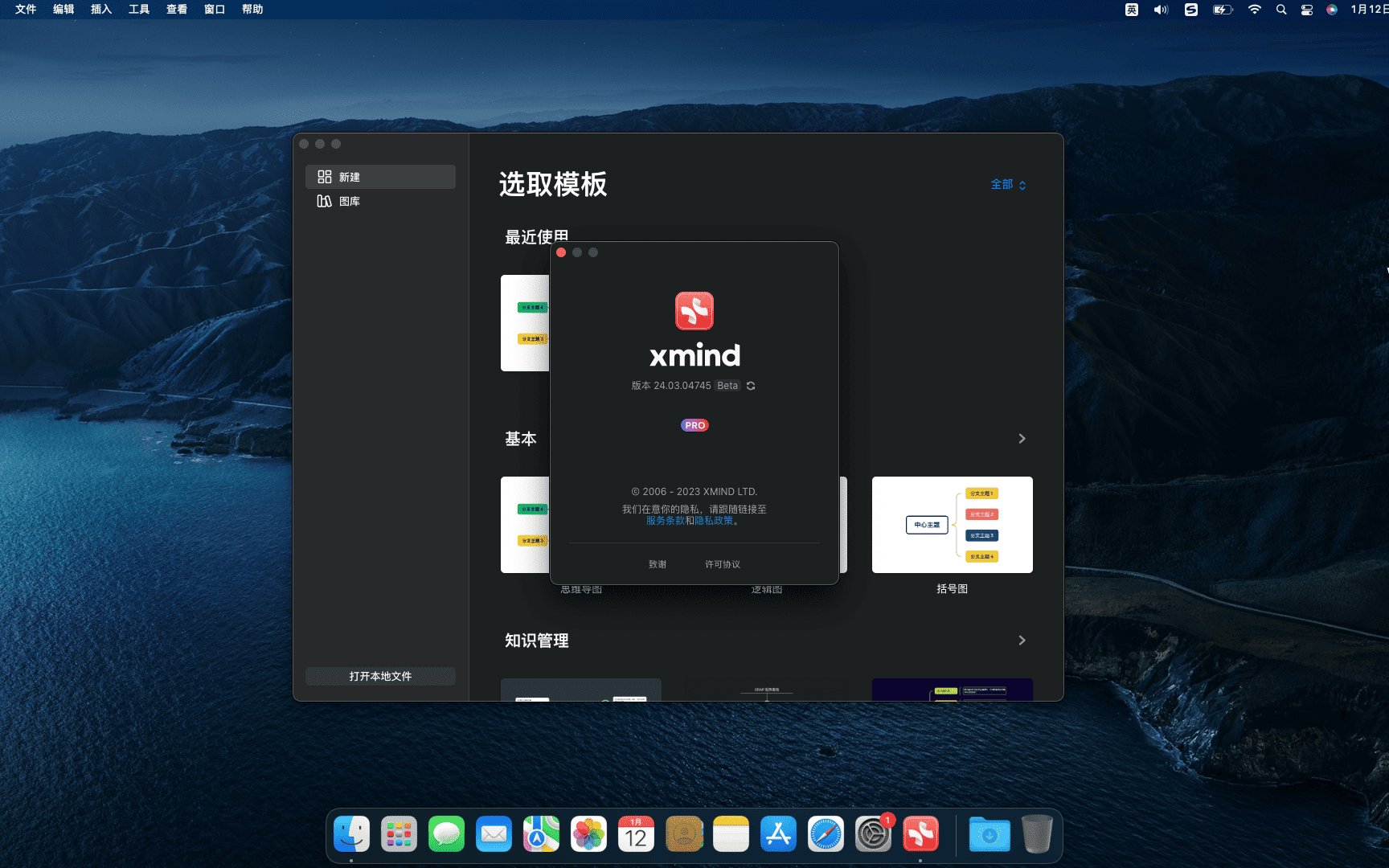
Activation steps(24.07.03011 beta):
1、Open Xmind,Uncheck "Automatically send logs",Agree to the End User License Agreement
2、Prompt to log in account,Click the close button in the upper left corner,再退出整个APP
3、运行dmg中的Xmind Crack程序点一键激活
4、可以使用了!
XMind是一款思维导图软件,It can help you quickly clear up your thinking logic,And organized it clearly,You can also export and share it with others。
Use XMind to plan your work at work,Implementation and deployment are sent to colleagues through mind maps.;in study,You can also organize your knowledge points through it;Writing,You can plan and organize the outline in advance using a mind map。
XMind is a new product,Compared to Xind8,It reuses the new rendering engine,Optimized a lot of interactions,Keep users focused and immersed when using software。
statement:All articles on this site,If there is no special instructions or markings,All are originally published by this site。any person or organization,Without the consent of this website,Reproduction prohibited、Misappropriate、collection、Publish content from this site to any website、Books and other media platforms。If the content on this site infringes upon the legitimate rights and interests of the original author,You can contact us for processing。
Can free downloads or VIP membership resources be used directly for commercial use?
The copyright of all resources on this site belongs to the original author,The resources provided here are for reference and study purposes only.,Please do not use it directly for commercial use。If copyright disputes arise due to commercial use,All responsibility lies with the user。For more instructions, please refer to VIP introduction。
It prompts that the download is complete but cannot be decompressed or opened?
The most common situation is an incomplete download: You can compare the capacity of the downloaded compressed package with the capacity on the network disk,If it is less than the capacity prompted by the network disk, this is the reason。This is a browser download bug,It is recommended to download using Baidu Netdisk software or Thunder。 If this situation is excluded,You can leave a message at the bottom of the corresponding resource,or contact us。
Can't find the sample image in the material resource introduction article?
For members only、Whole site source code、Program plug-in、website template、Web page templates and other types of materials,The pictures used for introduction in the article are usually not included in the corresponding downloadable material package.。These related commercial images need to be purchased separately,And this site is not responsible for(There is no way)find source。 The same is true for some font files,However, some materials will have a list of font download links in the material package.。
The download address cannot be displayed or the content cannot be viewed after payment?
If you have successfully paid but the website does not pop up a success prompt,Please contact the webmaster to provide payment information for you to process
After purchasing this resource,Can I get a refund?
Source code materials are virtual goods,replicable,Transmissibility,once granted,No refunds of any kind will be accepted、Exchange request。Please confirm before purchasing to obtain the resources you need.
Comments (0)
Note: Please be respectful and civil in your comments Cancel reply
SuperDuper is a data recovery and backup tool on the Mac OS X platform,It can help you recover accidentally deleted files on your computer,Even restore data you lost after formatting。 SuperDuper! Ability to back up system partition or single/multiple files under Mac OS X system,Partition files backed up by it can be started directly by booting。 Take advantage of SuperDuper! The advantage of a backup system is that it only copies the files in the system partition rather than copying the free space along with it.,This is just compared to the backup of ghost,Dramatically reduces backup file size。 If you want to transfer your Mac data from one computer to another or just make a simple backup,SuperDuper can come in handy。It can directly copy or "clone" files,Provide data recovery,Even if the operation is wrong,You can also get back to work immediately。It can also help recover accidentally deleted files,Even data lost after formatting can be retrieved with help~~ Activation method Use CORE Keygen.app or CRACK.app or SN.txt to activate
Optimize content:Sometimes problems occur in macOS or computer components,as time goes by,they may gradually worsen,or suddenly。 Sometimes before these problems become major issues,Your Mac will send out warning signs 。You need to pay close attention to the operation of the system。We'll show you some common warning signs ,and discuss how to solve these problems in the following sections。 1.Mac won't turn on when you press the power button on your Mac,nothing happened。No power light,no sound,And the screen is completely black。 don't panic,Just try the following steps to diagnose the problem: • Check power connection,Make sure both ends are secure。Next,Check the wires for damage,Then try using a different charger or outlet。 • Check the video output cable connection to the external monitor (if applicable)。Also try increasing the brightness of your monitor,to ensure that its brightness is not too low。 • There may be something wrong with your accessory。Unplug all peripherals except keyboard and mouse,Then try to start。Plug in peripherals after reboot,see if everything is normal。 • Restart power。On a modern MacBook,Press and hold the power button for 10 seconds。If your Mac is running,It will cut power and force it to reboot。On a desktop Mac,Unplug the cable,Then wait ten seconds。Then plug in and reboot。 2.Mac gray screen during startup after turning on the power of Mac,A series of startup events will occur,until the login screen or desktop appears。But if the startup process gets stuck,no matter how long you wait,will only see a solid gray screen or a screen with symbols。 based on what you see,Follow the instructions below。 Normal gray screen If there is only a simple gray screen at startup,Please do the following: • Peripheral failure is the main cause of gray screen problem。therefore,You should remove all wired accessories,Then hold down the power button to shut down your Mac。Plug in a peripheral after every reboot to find the culprit。 • Try booting in safe mode。If your Mac completes the startup process here,Please reboot in normal mode and verify that the boot drive is functioning properly。 • If safe mode startup fails or gets stuck,then reset the NVRAM and SMC settings as previously described。 • RAM with incorrect specifications can also cause the screen to turn gray。Remove any RAM you recently added,then restart。 • Hold down Cmd on startup + R key,Restart your Mac in recovery mode。Then,Repair your boot drive using Disk Repair Utility。 gray screen,No disk icon If there is a folder with a flashing question mark on the gray screen,It means that your Mac cannot find a valid boot volume.。but,When it displays the "Do Not Enter" symbol,Indicates that your macOS installation is corrupted。 To resolve this issue: • Sometimes your Mac forgets the boot volume,and temporarily display a flashing question mark。To resolve this issue,Go to the Startup Disk pane in System Preferences,Then reselect the boot volume。 • Start your Mac in recovery mode。In the Apple menu,Check if you can see the boot volume。if not,There is probably a problem with the boot disk。Run a disk repair utility to resolve this issue。 •...
WiFiSpoof is a wifi address modifier for Mac systems,Users only need to install WiFiSpoof for mac,Click to open and you can modify the Mac address intuitively,Very easy to operate。 MAC Address Modifier is a compact tool,In daily network applications,Due to various reasons, the mac address of the computer sometimes needs to be modified.,If the network card address is blocked, etc.,Need to change to a new mac address。 Using this software allows you to skip the trouble of "how to modify the mac address"。Easily enter new MAC address、One-click setting。And supports one-click restoration of the original hardware MAC address,Simple and clear operation。 Installation activation method 3.x.x Directly install 2.x.x Drag WiFiSpoof.app to the application directory Open WiFiSpoof 2.x [SP].app,Select /Applications/WiFiSpoof.app,activation
MacCleaner Pro is a professional Mac cleaning tool suite software,Keep your Mac fast、clean and orderly,Helps you see what's taking up the most space on your Mac,Unnecessary files found,and reclaim hard drive space。It can clean junk files in one click、Optimize RAM、Manage extensions and fix issues,Make your Mac run faster。MacCleaner Pro is packed with features,For example cleaning invalid RAM memory、Disable startup programs、Reindex Spotlight and Mail、Remove unnecessary plugins and extensions、Close memory-intensive apps、clear cache、Delete installation files and unnecessary localization files, etc.。also,MacCleaner Pro also offers several additional tools,Such as App Cleaner & Uninstaller、Duplicate File Finder和Disk Space Analyzer,Help you perform deep cleaning。MacCleaner Pro user feedback is positive,Recommended by many users。
iShot Pro is an excellent Mac、Fully functional area screenshots、Window screenshot、Multi-window screenshot、long screenshot、Screenshot with shell、Time-lapse screenshot、Quick annotation、stickers、Toriiro、screen recording、recording、OCR、Screenshot translation tool。 Function 1、Screenshot area screenshot、Window screenshots support frame selection screenshots、Smart recognition window screenshot,Customize screenshot shortcut keys。 Multi-window screenshot Press the screenshot shortcut key,Add Shift,Click multiple windows,Take multi-window screenshots。 Time-lapse full-screen screenshot Time-lapse full-screen screenshot,Support countdown sound playback,Used to capture windows that are difficult to select。 Take a screenshot of the last screenshot area using shortcut keys,Quickly take a screenshot of the last selected screenshot area。 Take a screenshot of the window under the cursor using shortcut keys,Directly screenshot the window under the current mouse,No need to activate this window。 Screenshot guide rounded corners、Shadow effect supports automatic rounding of corners in screenshots、Screenshot shadow can be colored、Size adjustment,Make your screenshots more elegant。 Quickly open the screenshot. After completing the screenshot, you can double-click Option.,Open pictures using a custom app,make your screenshot、Edit seamlessly。 The default is to use "Preview" to open the image,You can also set it to open using other apps;in addition,When selecting Finder,Is to open the Finder location where the screenshot was saved。 Save/Storage Supports saving to clipboard、Save to local. Supports saving to clipboard and local at the same time. Supports single save as.,Custom storage name and format supports HD、Two image qualities, standard definition and jpg supported、png、tiff screenshot saving format supports outputting color standard pictures 2、Long screenshot scrolling、Screenshot Select the scrolling screenshot area,Then press the "S" shortcut key,Slide up the screenshot area,Start taking long screenshots,There is no limit to the length of long screenshots。 Support automatic scrolling of long screenshots。 three、Screenshot with shell After screenshot of full screen,Match your pictures with beautiful Mac case mockups,High-end elegance。 Four、After the map supports frame selection area,Click the sticker button to sticker; The texture library will store the texture records,Supports using the shortcut key "option+s" to open the texture library,Select pictures from the sticker library for stickers; Supports right-clicking after mapping,mark、Modify sticker image。 Supports texture adjustment for transparency,Rounded corners. Supports hiding/displaying all texture windows by pressing shortcut keys. Supports fixing textures/following desktop settings. Five、Quick annotation annotation function:...
In macOS 10.15 (Catalina) and below,The system restricts the installation of non-App Store downloaded applications by default to improve security.。If you need to install third-party software from non-App Store,You can follow the steps below: How to install non-App Store software Note:The following steps only work on macOS 10.15 and below 1. Open "System Preferences" and click the Apple icon in the upper left corner of the screen,Then select "System Preferences"。 2. Go to Security & Privacy settings in the System Preferences window,Click "Security & Privacy"。 3.Unlock Settings In the lower left corner of the Security & Privacy window,Click the lock icon to unlock settings。You will be prompted to enter your administrator password。After entering the password,Click "Unlock"。 4. Allow apps from any source In the "Allow apps downloaded from" section,You will see three options:App Store、App Store and identified developers。Select "Any Source"。(Notice:In macOS 10.15 and above,There may not be this option。If this option is not available,Other solutions you can try,To bypass this restriction, use right-click on a file。) 5. Re-lock settings Click the lock icon in the lower left corner,to lock settings and protect your security settings。 6.Install software now,You can double-click and run apps downloaded from other sources。If you encounter the "Cannot open the application" prompt,Please right click on the application icon,Select "Open",Then click "Open" to confirm you trust the app。 go through these steps,You can install software from non-App Store in macOS 10.15 and below。
EazyDraw is a very powerful vector drawing tool on mac,Provides comprehensive support for bitmap and vector graphics formats,These include technical drawings,Web and App Graphic Design,print release,logo,Tools required for page text layout, etc.。 From Jaguar to Mountain Lion,As a new vector drawing paradigm based on Mac OS X,EazyDraw has evolved into a groundbreaking application。EazyDraw incorporates the latest OS X technology,All while delivering the extraordinary beauty of the original Mac drawing program。 EazyDraw is for drawing mechanical drawings、Text/page layout、computer arts、architectural planning、letter form、Logo design、flow chart、Family tree chart、map、Technology illustrations、application icon、Perfect for web graphics and more。 EazyDraw vs SVG, PDF file format offers comprehensive native support。Import and edit SVG using EazyDraw、EPS and PDF vector drawings。Export formats include:SVG、PDF、EPS、JPG、TIF、Favicon、Keynote and more EazyDraw is thoroughly sandbox tested,Can ensure the most complete system security。64 Bit!EazyDraw 5 Provides multi-threading 64 Bit calculation accuracy and speed。 Function:Layers、Multiple drawing windows、Symbol library、Imperial and/or metric units、Drawing scale、vector shadow、Grid and guide lines、RGB...
PullTube is an online video download tool for macOS platform,Can help us download YouTube and Vimeo online videos to local YOUTUBE and VIMEO Support Youtube and Vimeo。 Add more platforms based on user requests。 4K,HD and 60FPS support PullTube allows you to download videos in any format Video to audio Convert and save videos to mp3 and m4a Beautiful and flexible interface Beautiful user interface,Support Apple night mode
When your Mac is low on disk space,Deleting files that are no longer needed is an effective solution。Although the common way to delete is through mouse operation,You can also use keyboard shortcuts to delete files。Here are several ways to use the Delete key to delete files on Mac systems: How to delete files using the Delete key Method 1:Right mouse button operation 1. Right click on the file in Finder,Find the file that needs to be deleted,Right click on the file。 2. Select "Move to Trash" Select "Move to Trash" in the pop-up menu。The file will be moved to the Trash。 3. Drag to the Trash. You can also just hold down the left mouse button.,Drag the file to the Trash icon at the bottom of the screen。 Method two:Use shortcut keys 1. Select the file. Click to select the file you want to delete.。 2. Use shortcut keys Press Command (⌘) + Delete key combination。This will move the file to the Trash。 Method three:Via Touch Bar 1. Customize the Touch Bar Click the Apple icon in the upper left corner of the screen,Select "System Preferences",Then click "Keyboard"。 2. Go to Touch Bar settings in Keyboard settings,Click "Customize Touch Bar"。 3. Add delete icon in the pop-up touch bar customization interface,Find the delete icon,Then drag it to the Touch Bar,Click "Done" in the upper right corner。 4. Delete files using the Touch Bar Select the files you want to delete,Then click the delete icon on the Touch Bar,The file will be moved to the Trash。 Through the above methods,You can manage files on Mac efficiently,Free up disk space。
Boxy SVG is a vector image editing software that supports both SVG and SVGZ formats.,Has rich functions and features,Can help you create any vector graphics,Built-in multiple shortcut keys,It is very convenient to use。 Boxy SVG is a scalable vector graphics editor。SVG is a standard format for storing vector graphics,Such as icon,Width,Charts and Illustrations。The goal of this project is to create the best SVG editor for non-technical users as well as professional designers and developers。 Core Features Clear and intuitive user interface popular with Inkscape,Inspired by Sketch and Adobe Illustrator Broad support for object geometry,transform,On-canvas editing of paint and other properties Save to SVG and SVGZ formats,Export as PNG,JPG,WebP,PDF and HTML5 Open Clipart Library integrated with thousands of free vector art Google Fonts integrated with hundreds of free fonts Configurable keyboard shortcuts for over 100 commands Manual,Smart Guides and Grid Path Operations (Unified,intersect,reduce,exclude,closure,reverse, etc.) arrangement operation (alignment,rotate,flip,sort,Grouping, etc.) For WEB developers Chromium-based rendering engine SVG and CSS code inspector similar to Chrome Dev Tools Cleaning of retained IDs,kind,SVG output of titles and other metadata SVG wizard editing support Detailed instructions for installing Boxy SVG 4.102.0 1. Download the ready installation package ➡️ Installation package download:First put Boxy_SVG_4.102.0_MAS_[TNT].dmg file to your Mac,Usually found in the "Downloads" folder。 ➡️ Make sure the file is not damaged,The sizes are almost right (don’t let the lower half break)。 ➡️ Double-click to open the DMG file above,The following window appears,Click the Manual button to enter the Manual install folder,Boxy SVG inside 4.102.0 BUT[TNT].dmg file。 2.Start installation ➡️...
The Chinese cracked version of CleanMyMac X can clean up all the messy useless files in the system in just two simple steps.,Save valuable disk space。cleanmymac x Personally think that X represents the biggest upgrade in the interface,More features added,More compatible with the latest macOS system,Smoothly and more integrated with system performance,Silent cleanup、record update、Clean cache、Quick and safe removal、Important features like uninstalling apps and emptying the Recycle Bin。
Axure RP is the flagship product of the American Axure Software Solution company,Is a professional rapid prototyping tool,Let's take responsibility for defining requirements and specifications、Experts in designing functionality and interfaces can quickly create wireframes of applications or web sites、flow chart、Prototype and specification documentation。 As a dedicated prototyping tool,It is better than general tools for creating static prototypes such as Visio、Omnigraffle、Illustrator、Photoshop、Dreamweaver、Visual Studio、FireWorks needs to be fast、Efficient。 Axure RP can help website designers,Quickly and easily create annotated page diagrams based on website architecture diagrams、Operation flow chart、and interaction design,And can automatically generate web page files and specification files for demonstration,to provide demonstration and development。 Axure RP Pro features include sitemaps、process design、Page frame design、Simple interaction design, etc.,Can generate HTML、Word and other formats。 RP operation is much simpler than using Dreamweaver,picture、character、All components such as input boxes are all visual operations,It can easily realize the prototype design of website interactive content.,All previously rigid page layouts can be replaced with clickable、Link effect web page!At the same time, it can provide AJAX-style interactive processing for website design.,RP provides a dynamic layer component,Set effects for different states on the same page,Then use the link、Buttons and other triggers can produce dynamic effects,This way the website design becomes more vivid,The intention is more intuitive。 Detailed instructions for installing Axure RP 1. Download and prepare the installation package ➡️ Download the installation package:First put Axure RP 9.0.0.3727 Download the software RAR archive to your Mac,Usually found in the "Downloads" folder。 ➡️ Make sure the file is not damaged,The sizes are almost right (don’t let the lower half break)。 ➡️ Decompress the RAR compressed file to obtain the DMG installation file and registration code information file,If you don’t have decompression software on your MAC computer,You can install this KeKa 1.4.3 Chinese cracked version(Simple and powerful decompression tool) Decompression software,relatively easy to use,Commonly used compression formats are supported。 2.Start installation ➡️ Double-click to open .dmg...
Comments (0)